Channel 4
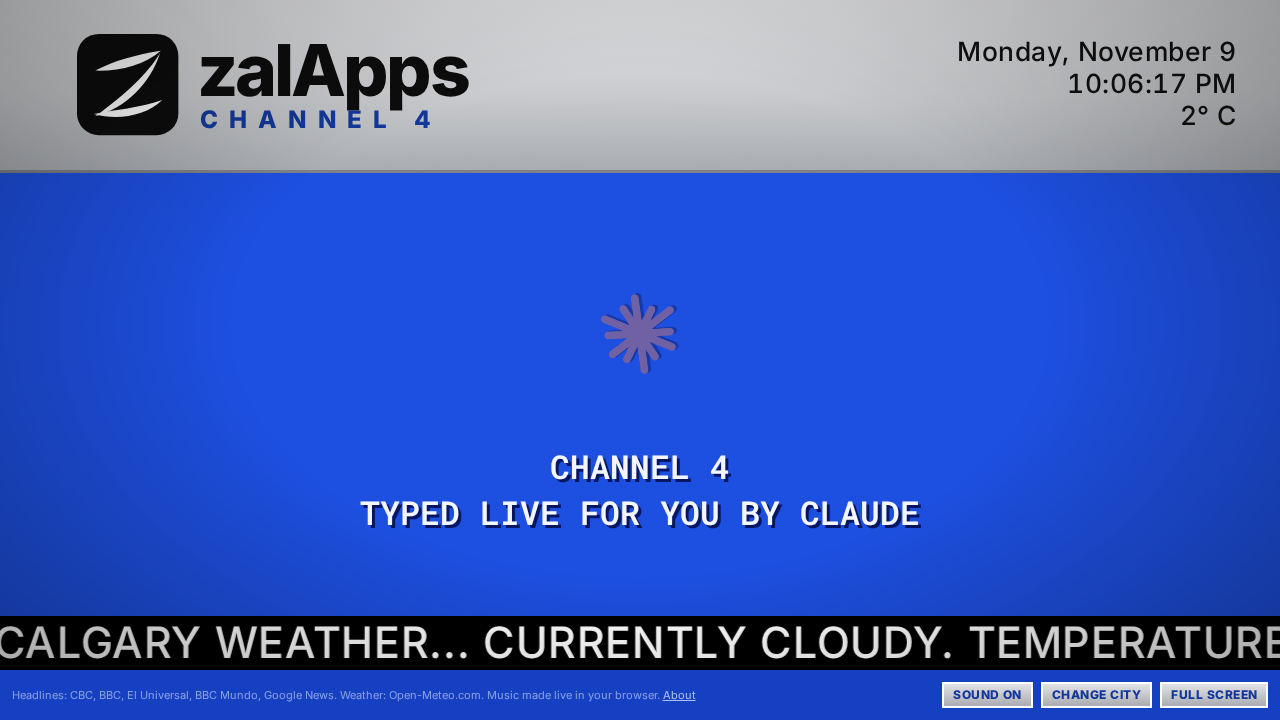
The cable info channel you used to leave on: local, national and world news typed out letter by letter on a blue screen, the weather crawling along the bottom, travel forecasts for somewhere warmer, and chill jazz that never stops. Enter a city in Canada, Mexico, or Australia and tune in.
Inspired by the Shaw Cable info channel in Calgary around 2000. Free, no account needed. Works on a laptop, a TV, or an iPad or phone turned sideways.
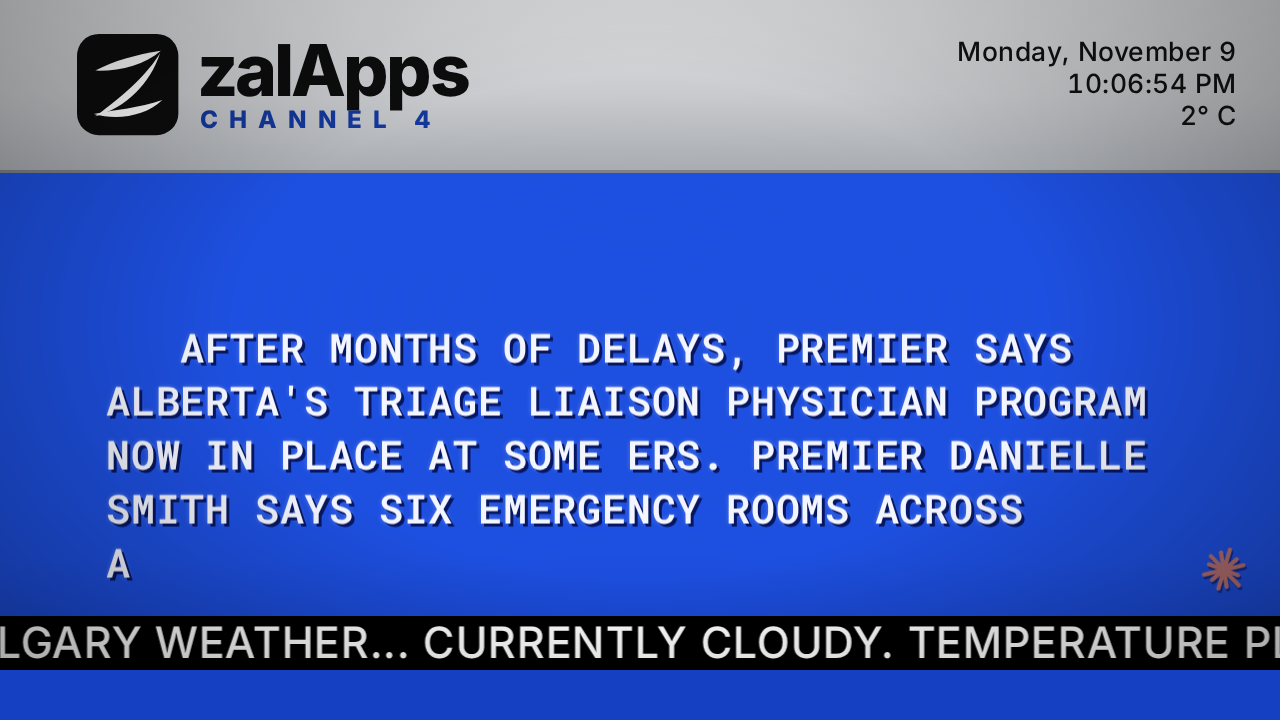
The news, one letter at a time
Headlines and a line or two of each story type out in capitals, line by line, and roll up the screen: local, national and world news, plus business, sports and entertainment, and a science story dropped in somewhere each round. Every story ends with its source.
In Canada local stories come from CityNews and CBC's local desks, with Google News filling in for smaller towns. National news is CBC. World news is from the BBC and CBC. Business comes from BNN Bloomberg and CBC, sports from CTV, entertainment from BBC Entertainment & Arts, BBC Pop Culture and CBC Arts, and science from the BBC and NASA.
In Australia national news is ABC News and news.com.au, with the odd story from The Beaverton, marked with a little beaver and labelled satire; local news comes from Google News, plus ABC Adelaide in Adelaide, business and sport are from the ABC, and temperatures read the Australian way: HIGH 24. LOW 15.
Between the stories come an On this day item (a moment from history on today's date) and a Did you know? fact, both from Wikipedia and used under its CC BY-SA 4.0 license. In Spanish there is On this day (Un día como hoy) but no trivia, because Spanish Wikipedia no longer keeps one.
Weather on the crawl
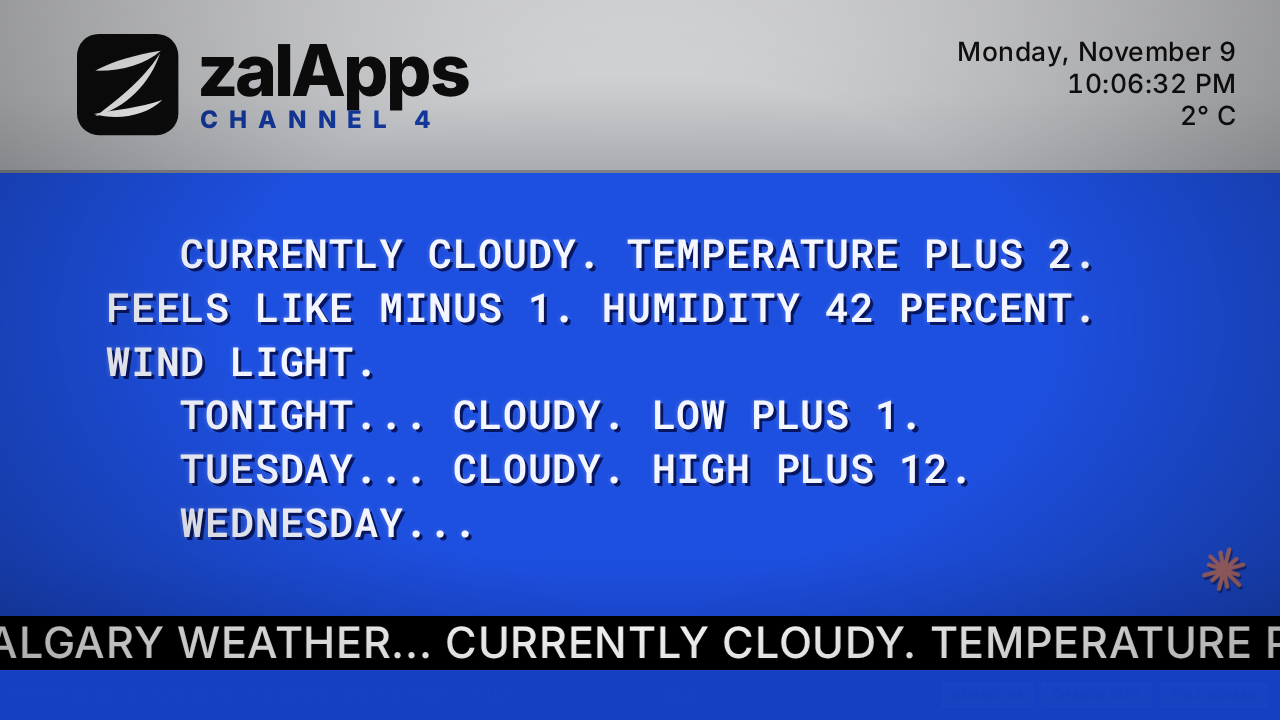
The black bar along the bottom carries the current conditions and the forecast, worded the way the old forecasts were: TONIGHT... CLOUDY. LOW PLUS 1. The date, time and temperature sit in the top corner.
Between news segments the full forecast types out on the main screen.
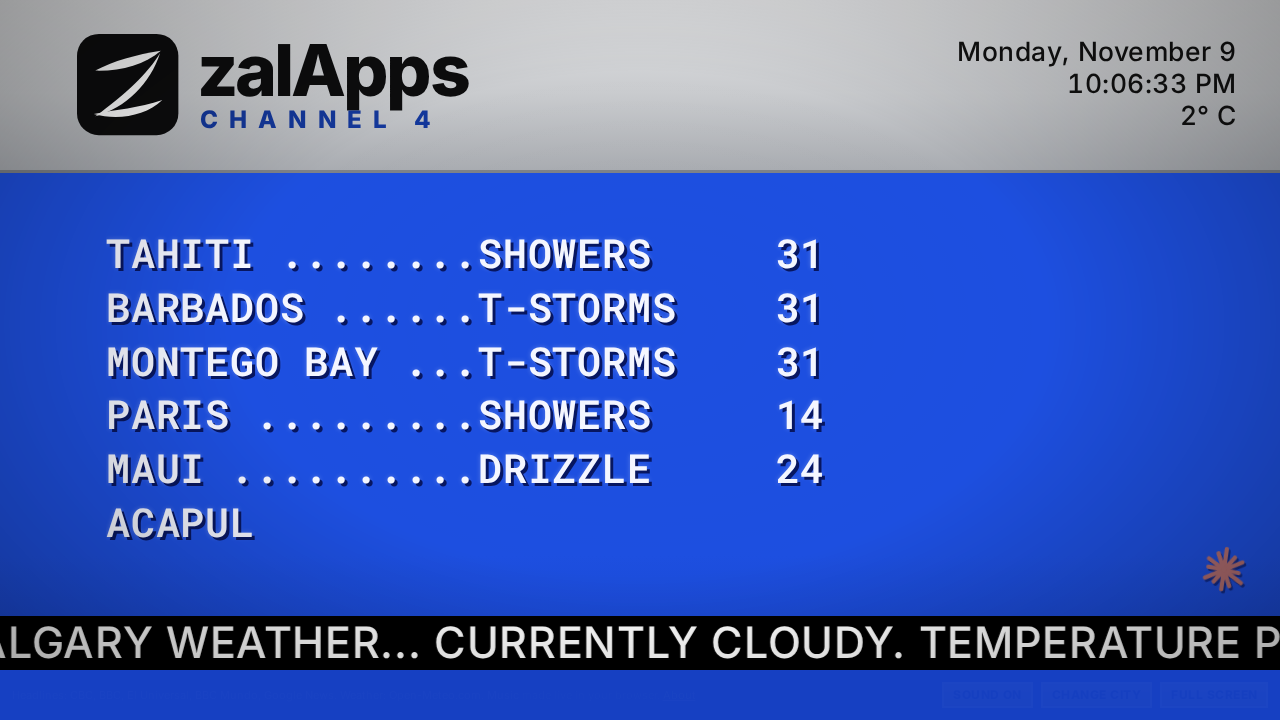
Somewhere warmer
Every so often the travel forecast comes up: today's highs in Maui, Barbados, Palm Springs and a rotating list of sunny places, with dot leaders like the original.
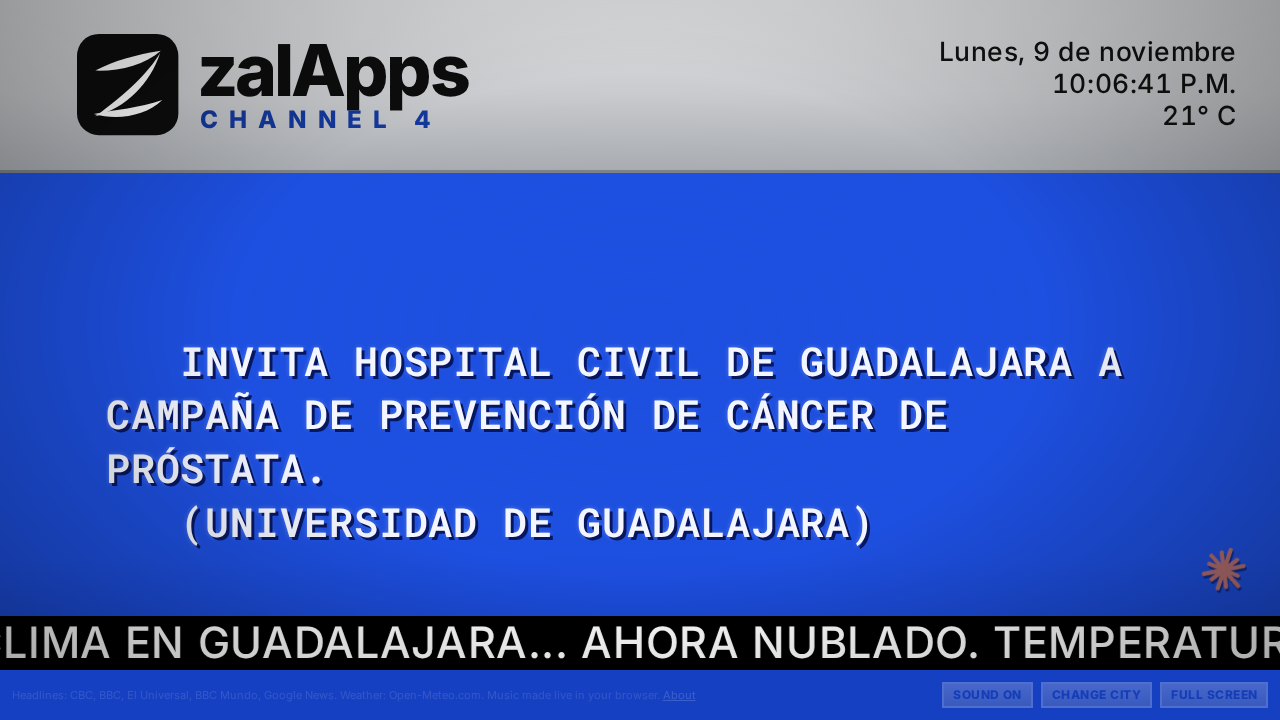
En español para México
Tune in to a Mexican city and the whole channel switches to Spanish: local news from Google Noticias, national news and the business, sports, entertainment and science sections from El Universal, world news from BBC Mundo, and the forecast as ESTA NOCHE... LLOVIZNA LIGERA.
Jazz that plays itself
The music is a small jazz combo made live in your browser: electric piano, upright bass, brushes and a vibraphone. Every tune is new, in a random key and tempo, about two to three minutes long, then the next one starts. Nothing is recorded, so there's nothing to license and it never repeats.
Claude, who built the channel with Jason, signs on with a little spark between segments.
Good to know
- Sound
- Browsers only allow sound after you tap or click, so the music starts when you press Tune in, or on your first tap if you open a saved link.
- On your Home Screen
- iPhone browsers can't show a web page full screen, so add Channel 4 to your Home Screen instead: in Safari tap Share, then Add to Home Screen. It opens from the Zchannel4 icon like an app, filling the screen. The HELP button on the channel walks through it, for Android too.
- Controls
- Help (H), sound on or off (M), change city (C) and full screen (F). The buttons fade away when you stop moving the mouse.
- Your city
- Channel 4 remembers your city on each device and tunes straight in the next time you open it, from a bookmark or the Home Screen icon. To share a city, copy the address, for example channel4.zalapps.net/?city=Calgary, AB.
- Your data
- No account, and nothing about you is stored on the server. Your last city is remembered only in your own browser. While Channel 4 is open it sends an anonymous random number once a minute, made fresh each time the page loads, so the total watching at once can be counted. It is forgotten within a few minutes and never linked to you; only the hourly totals are kept.
Tune in
Put it on a spare screen and let it run. Ideas are welcome at contact@zalapps.net.